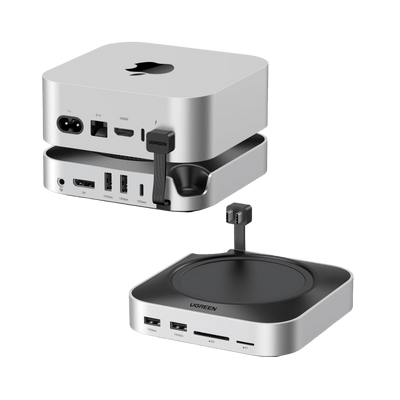
What Does USB-C Hub Mean?
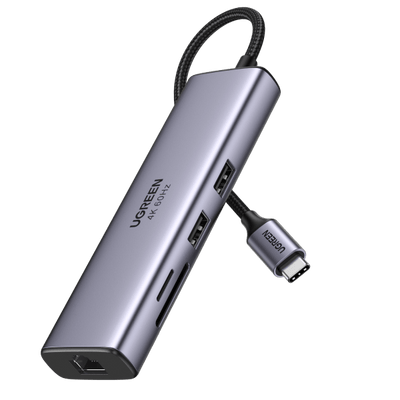
A USB-C hub connects to a device's single USB-C port and offers multiple USB-C and other types of ports like USB-A, HDMI, Ethernet, and SD card readers, expanding the port availability. It allows users to connect external storage drives, monitors, keyboards, and mice to devices with limited built-in ports, like laptops, tablets, and smartphones. Some hubs can also charge the host device and connected peripherals.
Shop Now >
What Is A Docking Station?
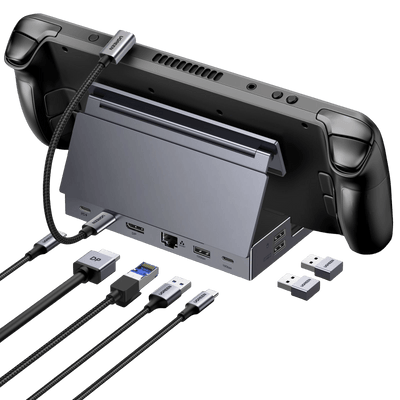
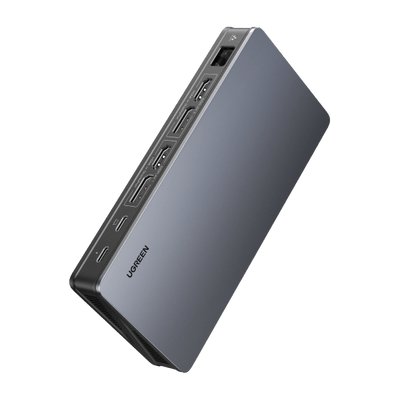
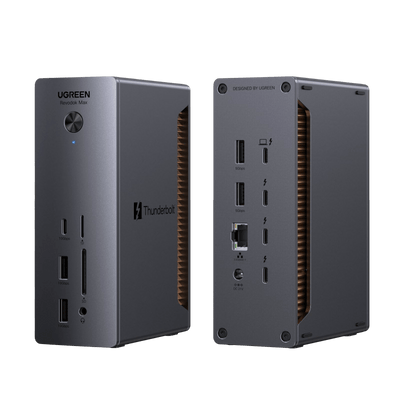
A docking station connects a laptop or mobile device to a desktop setup with various ports for peripherals and charging capabilities. It enables users to switch between mobile and desktop computing without constant plugging and unplugging. They are favored by business professionals who travel frequently but need full desktop power in the office.
Shop Now >USB-C hub or docking station: when to buy which?

When to buy a USB-C hub?
1. You have a device with limited ports: If your laptop or tablet has only one or two USB-C ports, a USB-C hub can be an essential accessory to expand its connectivity options.
2. Need to connect multiple peripherals: A USB-C hub can enable you to connect multiple peripherals at once, such as a keyboard, mouse, external hard drive, or display, without having to constantly switch out cables.
3. Support for high-speed data transfer and charging: If you need to transfer large files or want to charge your device quickly, make sure to look for a USB-C hub that supports high-speed data transfer and Power Delivery charging.
USB-C Hub >
When to buy a Docking Station?
1. Multiple peripherals: If you have multiple peripherals that you need to connect to your laptop or computer, a docking station can help simplify the process by allowing you to connect them all at once.
2. Enhanced productivity: If you want to enhance your productivity by connecting to multiple monitors or using a more comfortable keyboard and mouse, a docking station can provide the necessary tools to do so.
3. Charging Capabilities: If your laptop battery life is a concern, a docking station with charging capabilities can keep your laptop fully charged while in use and eliminate the need for a separate charging cable.
Docking Station >How to choose a USB-C hub or a docking station?
Compatibility
Ensure hub/docking station compatibility with your device(s). Verify USB-C port type (e.g. Thunderbolt 3, USB-C 3.1) for proper compatibility.


Ports
Assess required port types: extra USB-A/C, Ethernet, HDMI/display, SD card reader, audio jacks. Confirm hub/docking station has necessary ports.


Power Delivery
If you need to charge your device(s) through the hub or docking station, make sure it supports Power Delivery (PD) and has enough wattage to provide sufficient power.